A fast and simple admin dashboard
Save hundreds of hours with pre-made templates, integrations, and components.
Industry
End users
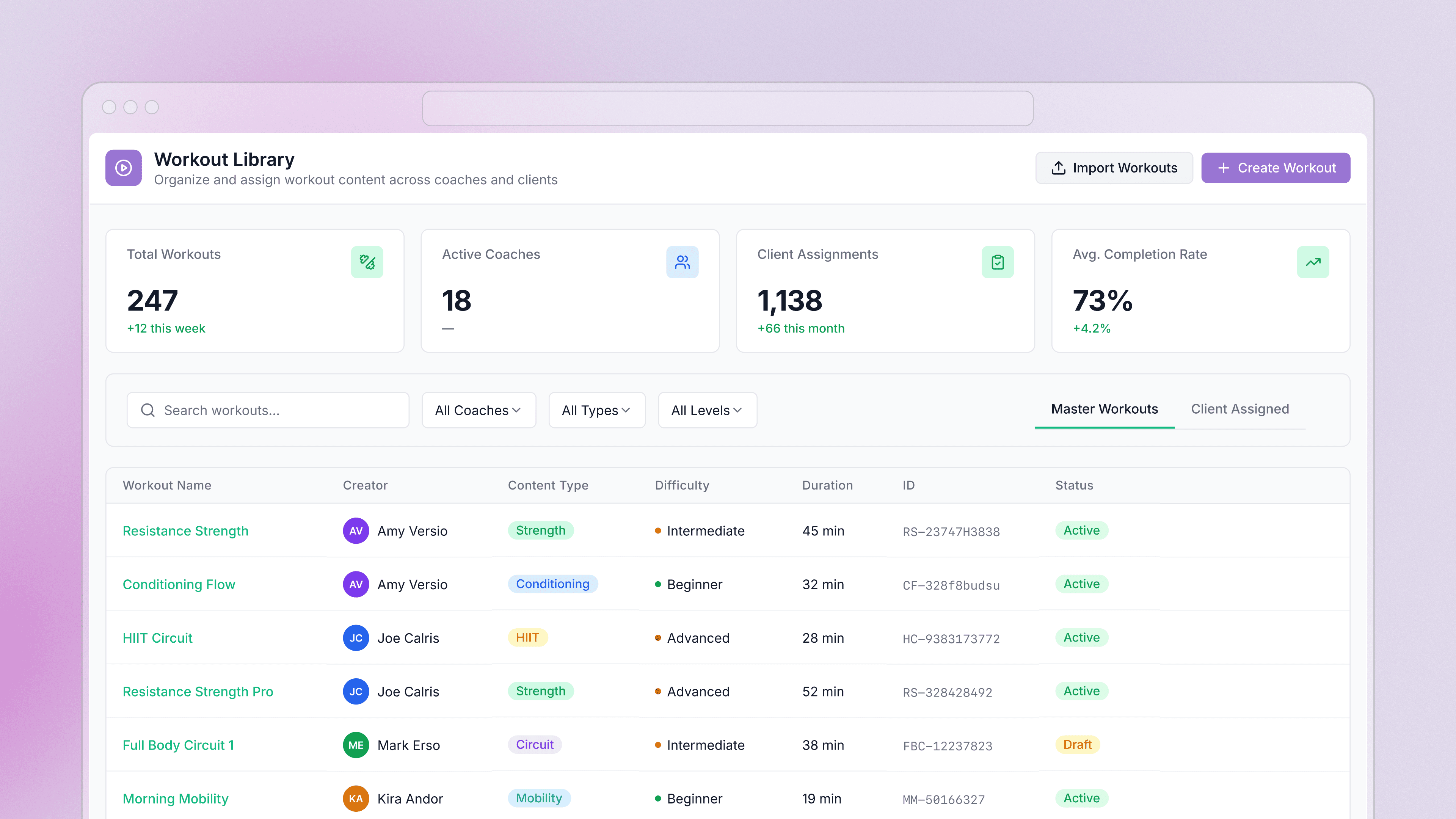
Build on your own data
Retool connects to your databases, third-party services, and anything with a REST or GraphQL API. Describe the app you want and AppGen builds it against your real data — with your organization's SSO, permissions, and audit logging already applied. Browse the integration library to see everything Retool connects to.
 1. Connect your data
 2. Query it
 3. Build the UI
From startups to Fortune 500s, the world's most effective teams use Retool to build custom business software. See our customers.







“Investing in internal tools used to be a difficult and polarizing trade-off; Retool helped us to shift that paradigm by making tools a quick and painless part of any project, saving us countless hours of operator and engineering time.
Investing in internal tools used to be a difficult and polarizing trade-off; Retool helped us to shift that paradigm by making tools a quick and painless part of any project, saving us countless hours of operator and engineering time.
Rohan Chopra
Director of Engineering at DoorDash