A fast and simple Elasticsearch admin console
APM Connect your usage data to Chart component and set up a Query to catch spikes and write incident data to another data source like Postgres, all within one UI.
Search Run your queries through Retool and visualize your results (text, images, logs, whatever) in a Text component. You can also connect queries to TextInput fields to make search accessible to non-technical end users.
Logs Parse and format those logs in a language you’re familiar with. You can populate a Table component with records, and display relevant details in a Container component when you select a row.
Industry
End users
Components


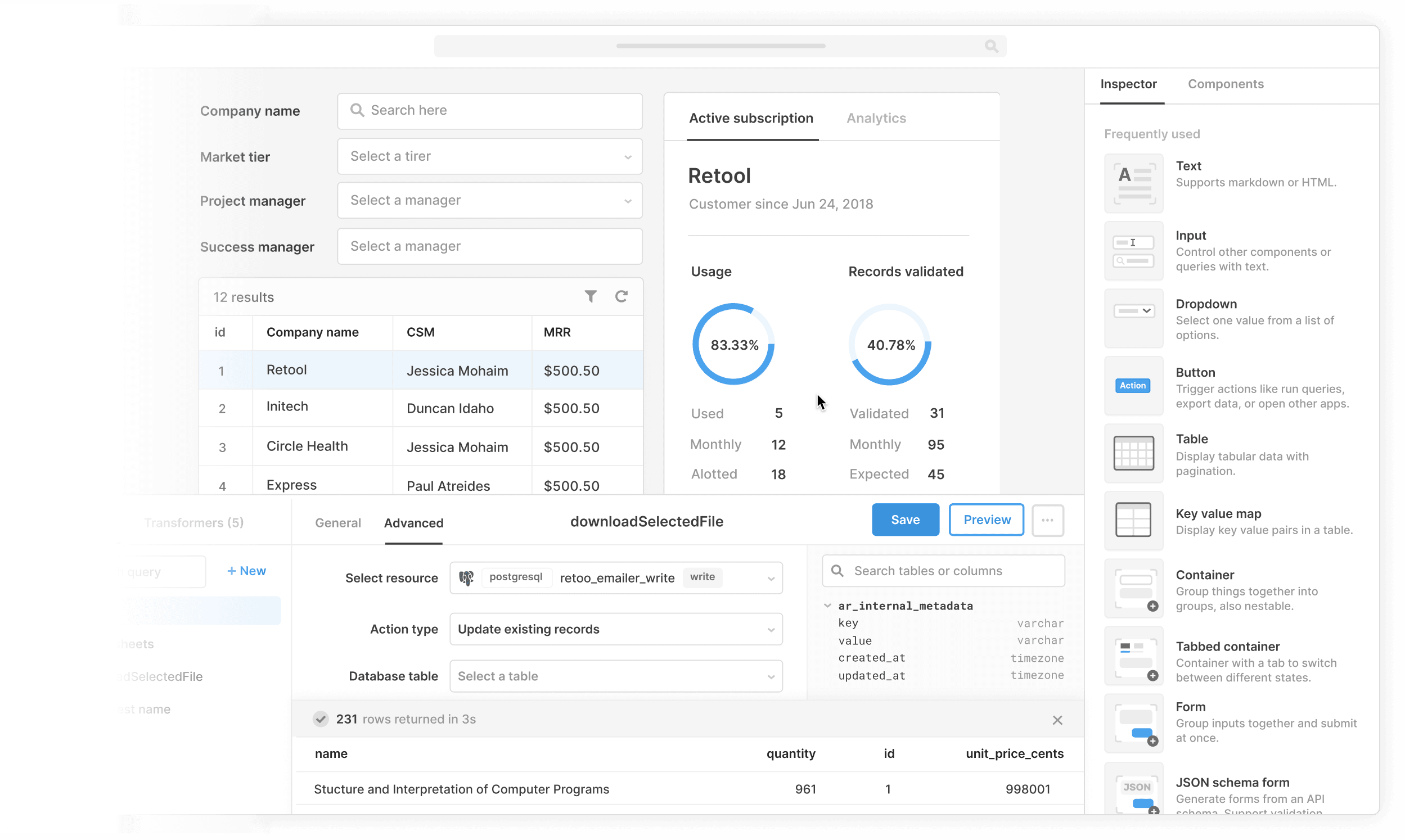
Components
Build from a handful of drag-and-drop components


Data source
Connecting Retool to Elasticsearch takes just a few minutes so you can quickly build admin panels, dashboards, and utilities on top of your Elasticsearch data.
 1. Create resource
 2. Read data
 3. Connect data with UI
From startups to Fortune 500s, the world's most effective teams use Retool to build custom business software. Our customers







“Investing in internal tools used to be a difficult and polarizing trade-off; Retool helped us to shift that paradigm by making tools a quick and painless part of any project, saving us countless hours of operator and engineering time.
Investing in internal tools used to be a difficult and polarizing trade-off; Retool helped us to shift that paradigm by making tools a quick and painless part of any project, saving us countless hours of operator and engineering time.
Rohan Chopra
Director of Engineering at DoorDash
Supercharge your business today.
Start building an internal tool or customer portal in under 10 minutes.