A fast and simple Firebase auth admin panel
Easily view, add, edit, and delete users View all of your user fields, edit information like email verification status, search and filter by any user field, add users with properties more detailed than just username and password, and copy any fields - not just UID.
CRUD for Firebase the way it should be Easily add documents via clean JSON without clicking “+” for every field, filter and query by multiple fields, search collections and documents, set query limits, and copy entire fields or documents with just a little bit of Javascript.
Save hundreds of hours with 50+ pre-made templates Our pre-made templates can get you started with an Auth or Firestore Admin Panel in just a few clicks. But if these don’t fit your use case out of the box, don’t sweat - building in Retool is easy with 50+ out of the box components and Javascript pretty much anywhere.
Industry
End users
Components


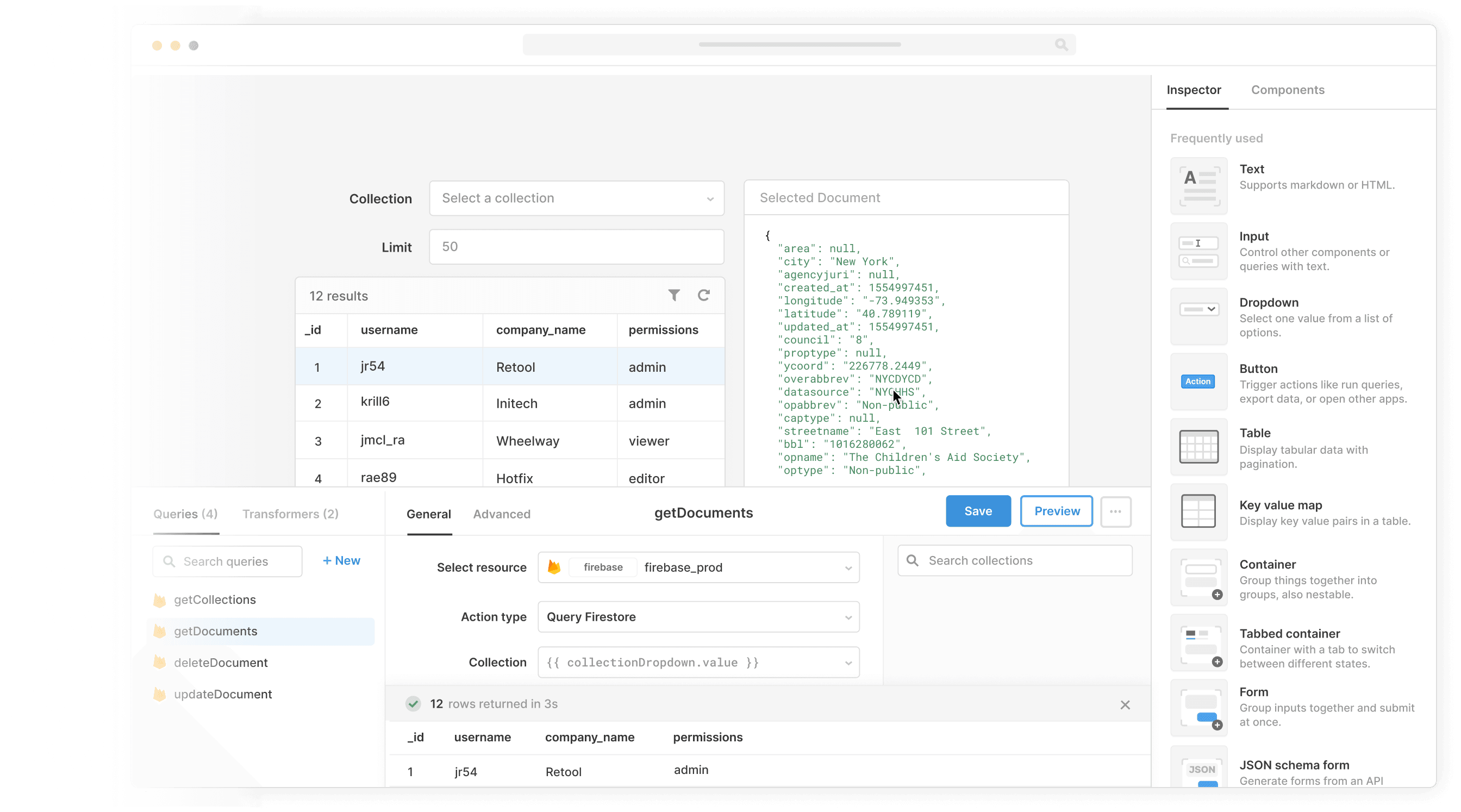
Components
Build from a handful of drag-and-drop components


Data source
Whether you're building a basic CRUD interface or refund management software, internal tools have the same building blocks: tables, text boxes, dropdowns, etc. Retool gives you a simple way to connect these building blocks with your own data sources so you can assemble any custom internal tool, fast.
 1. Create resource
 2. Read data
 3. Connect data with UI
From startups to Fortune 500s, the world's most effective teams use Retool to build custom business software. Our customers







“I tell every technology leader I talk to that they should look at Retool as a way to reduce the burden of building admin UIs and democratize that kind of stuff across their company.
I tell every technology leader I talk to that they should look at Retool as a way to reduce the burden of building admin UIs and democratize that kind of stuff across their company.
Dean McRobie
CTO at CommonBond
Supercharge your business today.
Start building an internal tool or customer portal in under 10 minutes.